

Buying a domain name in 2025 is the first and most important step to start a website, blog, or online business. If you are a beginner and don’t know how domain names work, don’t worry — this guide is made especially for you.
In this complete beginner guide, you will learn how to buy a domain name in 2025 step by step, what a domain name is, how to choose the right domain for your website, and which domain registrar is best for beginners.
Whether you want to start a blog, create a business website, or build an online brand, this guide will help you buy your first domain name easily and without confusion.
- If you want your new domain to rank faster, understanding AI-powered SEO strategies for new websites can help you build long-term search visibility.
What Is a Domain Name?
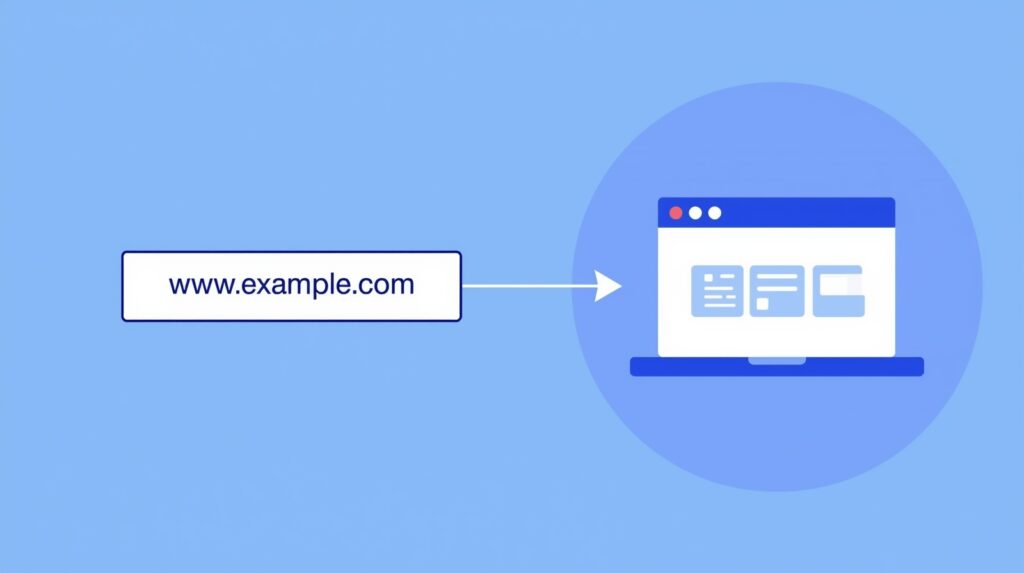
A domain name is the unique address of your website.
For example:
- google.com
- amazon.in
- techscoophub.com
When someone types your domain in the browser, they will reach your website instantly.
If you want to explore more tech guides, check our latest article on HyperOS 3 performance.
How to Choose the Right Domain Name
Choosing the right domain is important because it becomes your online identity.
Here are a few simple tips:
✔ Keep it short
Short names are easier to remember.
✔ Avoid numbers and hyphens
They make the domain look complicated.
✔ Use your niche keyword
It helps users understand your website topic.
✔ Prefer .com
It is the most trusted and popular extension.
✔ Make sure it is easy to spell
Users should not get confused while typing it.
Where to Buy a Domain Name
You can buy a domain from any trusted domain registrar. Some popular ones are:
- Namecheap
- Hostinger
- GoDaddy
- BigRock
All these platforms are safe and beginner-friendly.
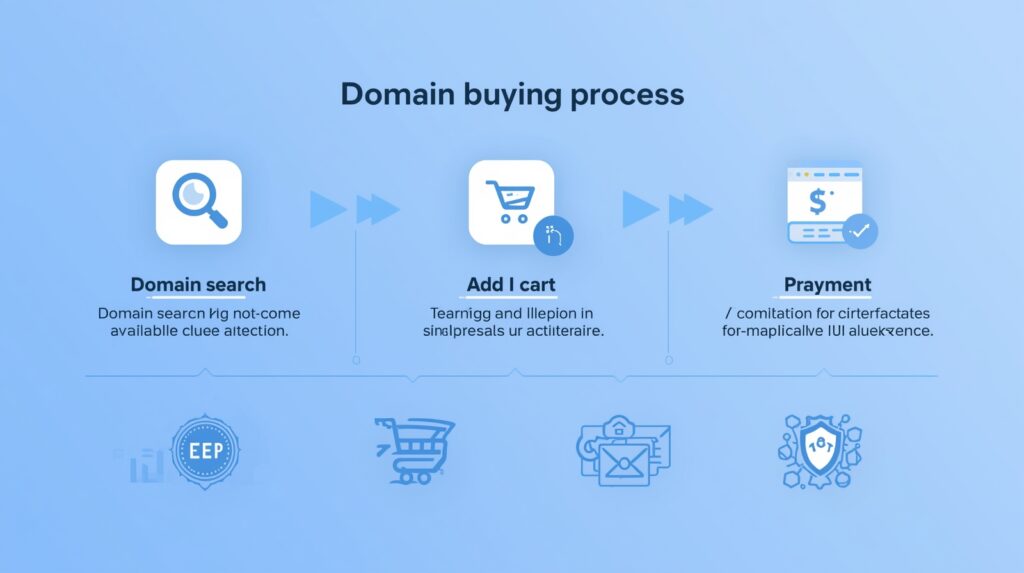
Step-by-Step: How to Buy a Domain Name
Visit a domain registrar
Go to a website like Namecheap.com or Hostinger.com.
Search for your domain name
Type your domain idea into the search bar.
Example: techscoophub.com
Check availability
If the domain is available, you can buy it directly.
If not, the website will show similar suggestions.
Add the domain to the cart
Select a 1-year plan, which is the most common option.
Turn on Domain Privacy Protection
This feature protects your personal details such as your phone number and email.
Namecheap offers free privacy protection for all domains.
Complete the payment
Use your card, UPI, PayPal, or any available payment option.
Once payment is done, the domain is yours.
How to Connect Your Domain to Hosting (DNS Setup)
After buying a domain, you must connect it to web hosting. This process is called DNS setup.
What is DNS?
DNS helps users reach your website by matching your domain to your hosting server.
How to update nameservers:
- Open your domain dashboard.
- Find the option called Nameservers.
- Paste your hosting provider’s nameservers.
- Save the changes.
Example:
If you use Hostinger
ns1.dns-parking.com
ns2.dns-parking.com
Enable SSL Certificate (HTTPS Security)
SSL helps secure your website and shows a lock icon in the browser.
Why SSL is important:
- It protects user data
- Builds trust
- Helps SEO rankings
- Most hosting companies provide Free SSL Certificates.
Final Tips Before Buying a Domain
- Choose a name that you can use for many years
- Avoid trademark names
- Check renewal prices
- Make sure the name matches your brand
Conclusion
Buying a domain name in 2025 is simple and does not require any technical skills. When you follow the steps in this guide, you can easily purchase and set up your domain within minutes. A good domain name helps you build a strong online presence and grow your website smoothly.
- After purchasing a domain, using essential tools for beginners starting a website can save time and improve performance